Home / Download
Get SORDA AI
Free on Android and in your browser
Version 3.0 brings notifications even when the app is closed, unread counts, SORDA tokens, automatic upload of saved reports and a fresh new look.
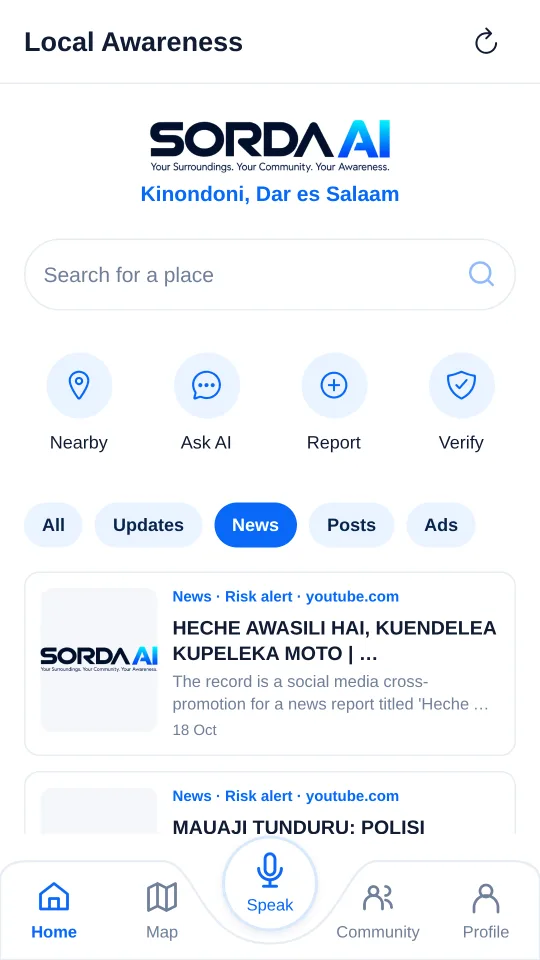
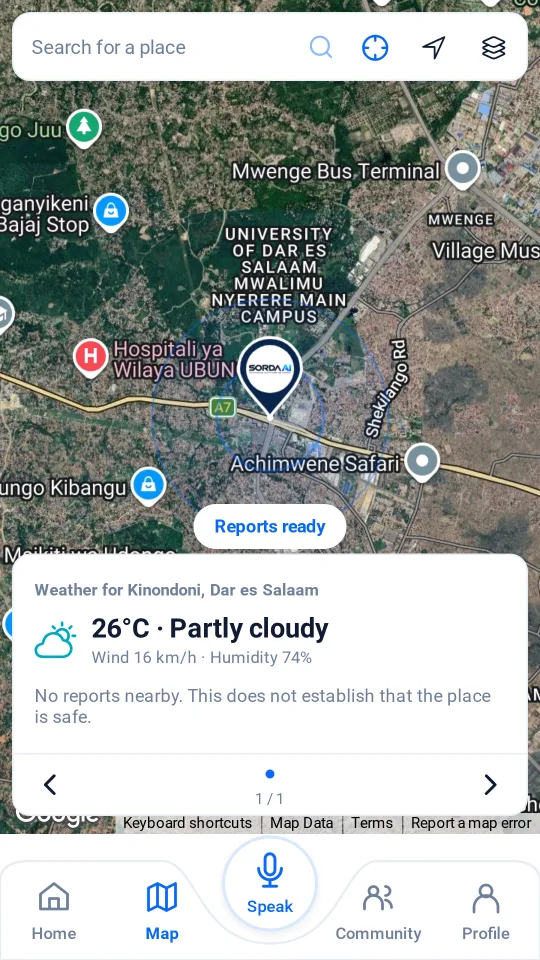
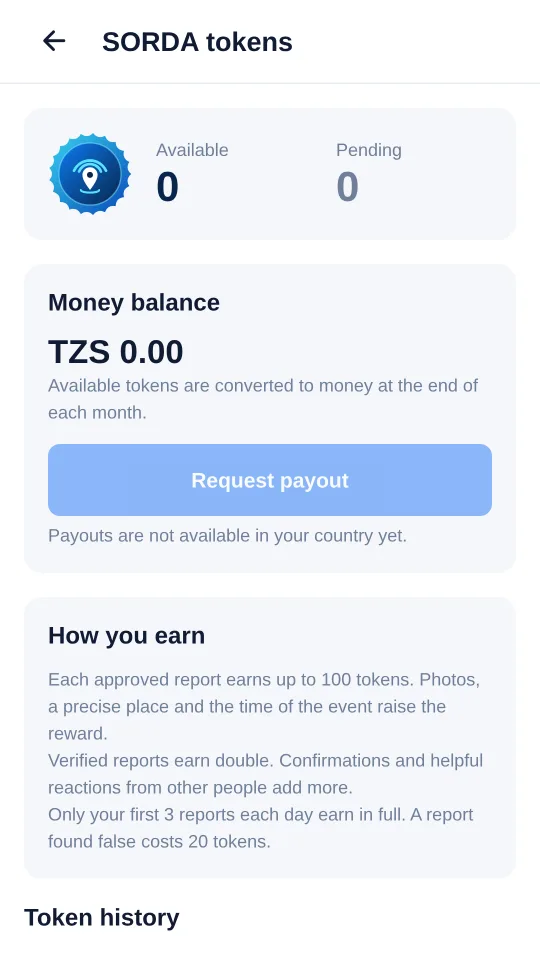
Android app (APK)Version 3.0 · Android 7.0 or newer · about 87 MB
Available
Web appAny phone, tablet or computer — iPhone users start here
Available
Google PlaySubmitted to Google Play — available soon
Coming soon
iPhone (App Store)Planned. Use the web app in Safari meanwhile
Planned
Installing the APK
Four quick steps
1
Download
On your Android phone, open the download page and tap Download Android APK.
2
Open
Open the downloaded file from your notifications or Downloads folder.
3
Allow
If asked, allow your browser to install apps. It is safe to switch this off again afterwards.
4
Install
Tap Install (or Update), open SORDA AI and sign in.
Already have SORDA from the download page? Installing the new APK updates it and keeps your sign-in. When the Google Play version is live, uninstall the APK version first, then install from Play.
Add to home screen
Using an iPhone?
Open the web app in Safari, tap Share, then Add to Home Screen. SORDA opens full-screen like an app.